logo

Moopa Anime Streaming Website

![GitHub forks](https://img.shields.io/github/forks/DevanAbinaya/moopa-v3?style=flat-square) ![GitHub](https://img.shields.io/github/license/DevanAbinaya/moopa-v3?style=flat-square) ![Website](https://img.shields.io/website?style=flat-square&url=https%3A%2F%2Fmoopa.live) ![GitHub Repo stars](https://img.shields.io/github/stars/DevanAbinaya/moopa-v3?style=flat-square) ![Discord](https://img.shields.io/discord/822413263148285973?style=flat-square)

Moopa is an anime streaming website build with nextjs and tailwindcss with a sleek and modern design that offers Anilist integration to help you keep track of your favorite anime series. Moopa is entirely free and does not feature any ads, making it a great option for you who want an uninterrupted viewing experience.
![image](https://user-images.githubusercontent.com/97084324/234473045-8c648633-1f85-4815-b784-75d32bbdc2a7.png)
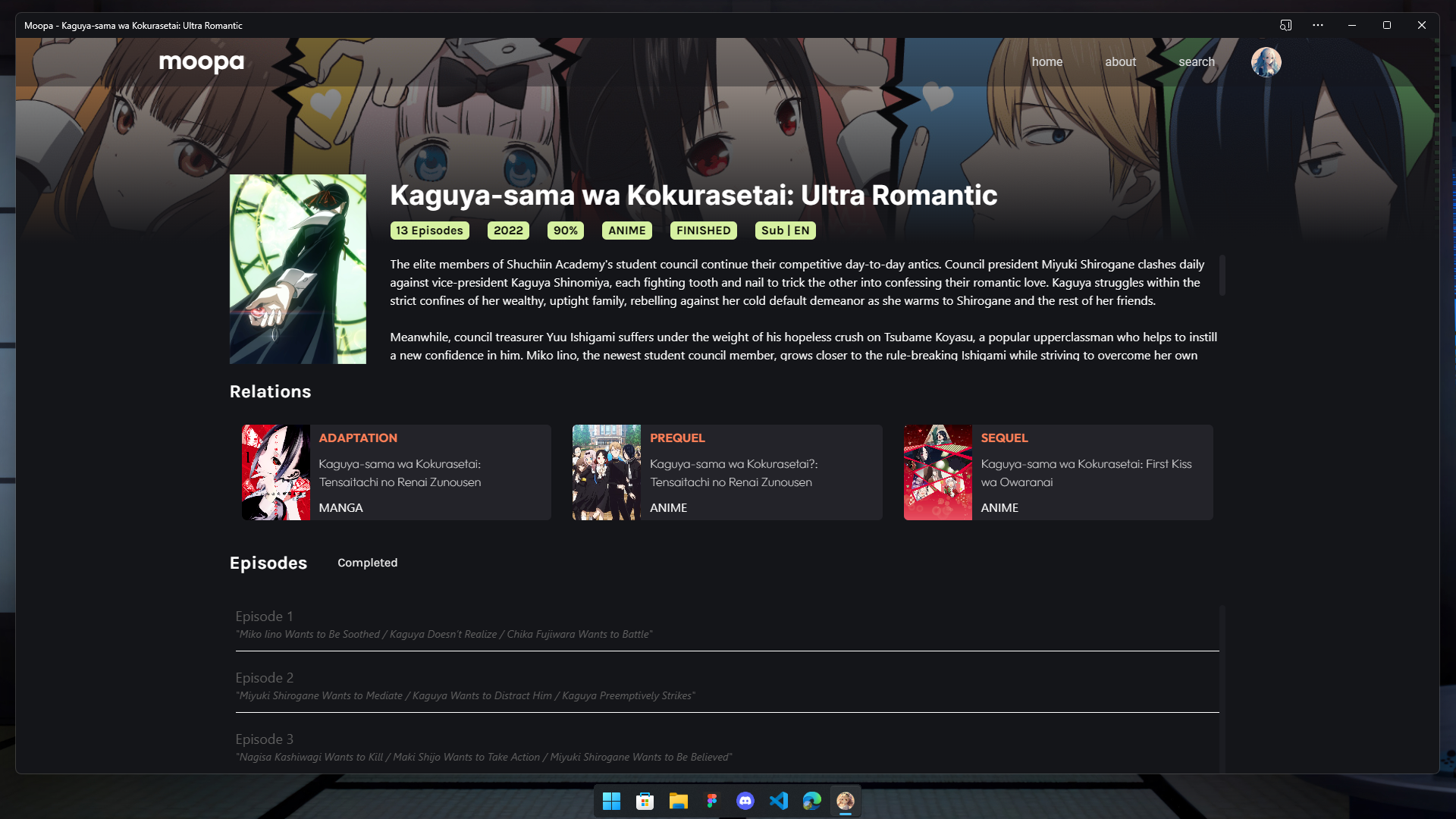
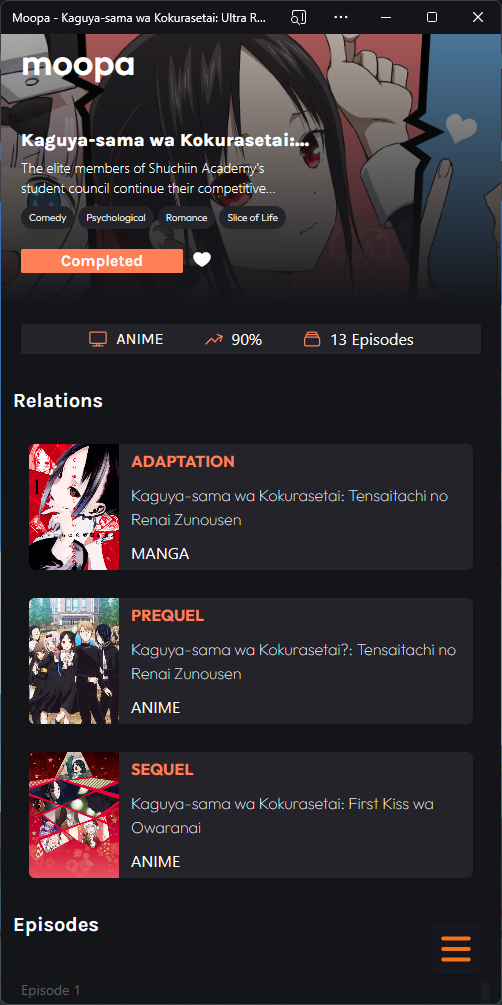
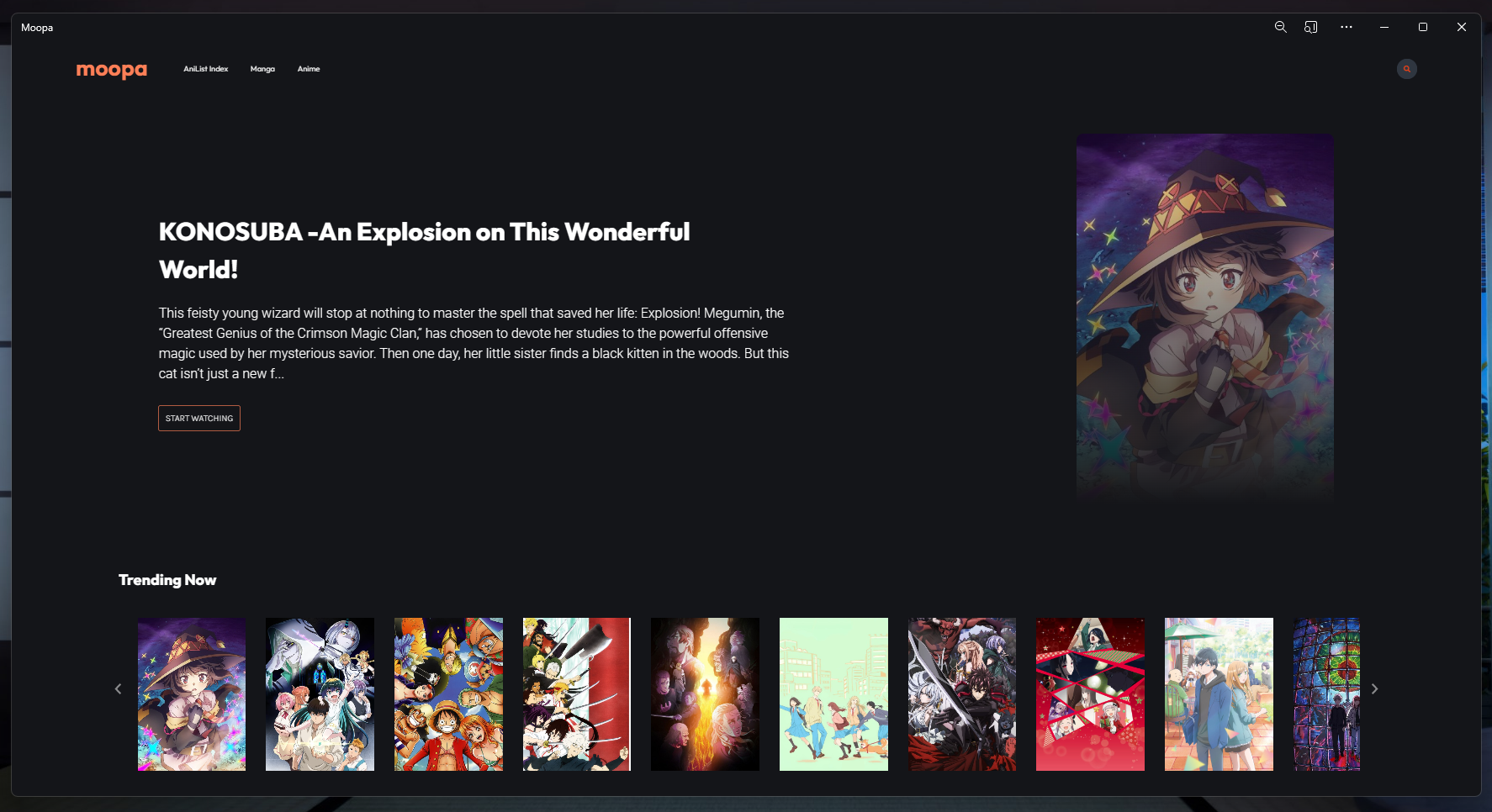
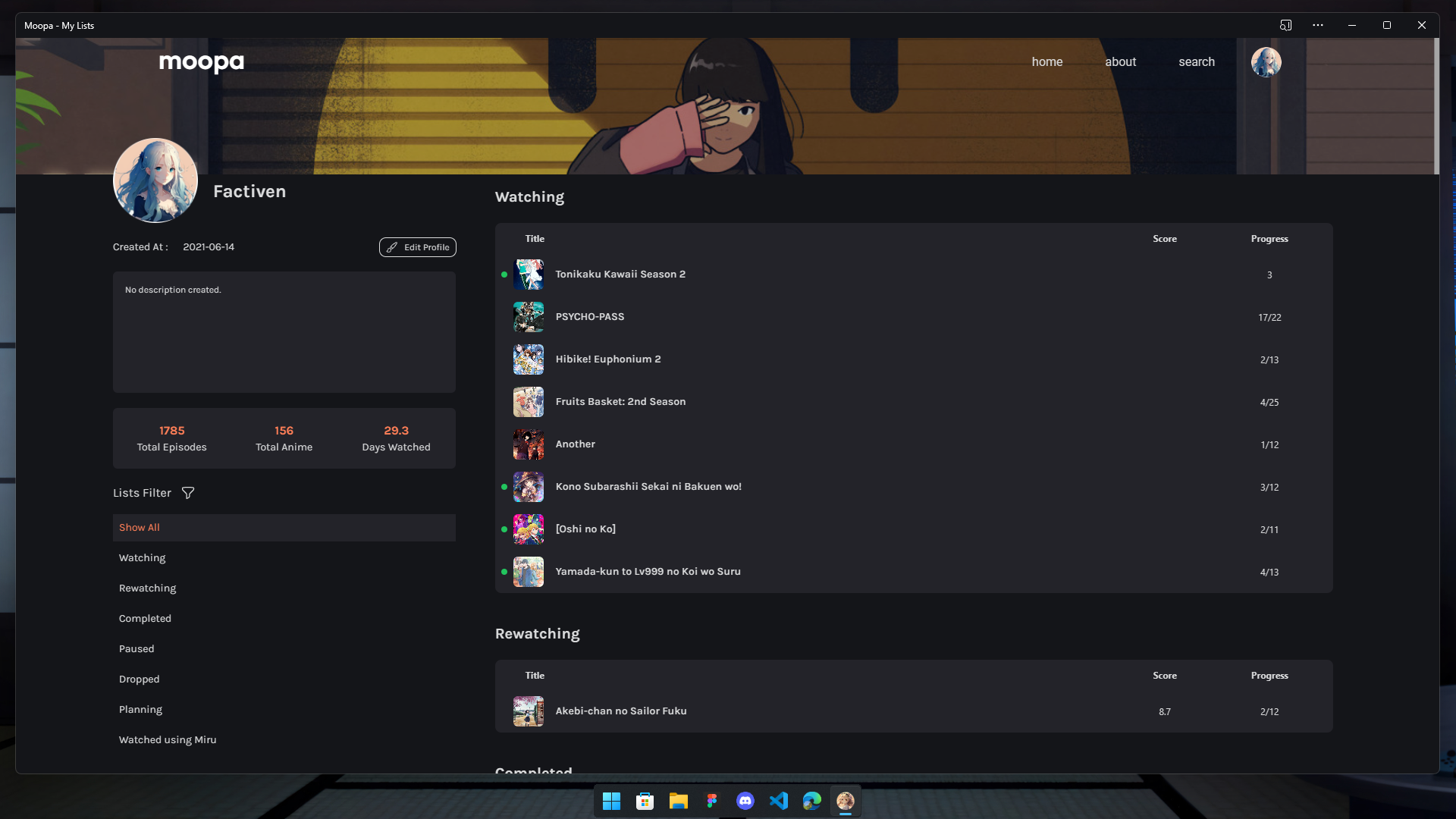
More Screenshots
Home page after you login
Profile Page
Info page for PC/Mobile

Watch Page
## Features - Free ad-supported streaming service - Anime tracking through Anilist API - User-friendly interface - Mobile-responsive design - PWA supported ## To Do List - [x] Add PWA support - [x] Connect to consumet API to fetch episodes data - [x] Implement skip op/ed button on supported anime - [x] Create README file - [ ] Integrate Anilist API for anime tracking - [x] Ability to auto track anime after watching >= 90% through the video - [x] Create a user profile page to see lists of anime watched - [ ] Ability to edit list inside detail page - [ ] Working on Manga pages ## For Local Development 1. Clone this repository using : ```bash git clone https://github.com/DevanAbinaya/moopa-v3.git ``` 2. Install package using npm : ```bash npm install ``` 3. Create ```.env``` file in the root folder and put this inside the file : ```bash CLIENT_ID="get the id from here https://anilist.co/settings/developer" CLIENT_SECRET="get the secret from here https://anilist.co/settings/developer" GRAPHQL_ENDPOINT=https://graphql.anilist.co NEXTAUTH_SECRET='type this in your bash terminal (openssl rand -base64 32) with no bracket and paste it here' NEXTAUTH_URL="for development use http://localhost:3000/ and for production use your domain url" ``` 4. Start local server : ```bash npm run dev ``` ## Credits - [Consumet API](https://github.com/consumet/api.consumet.org) - [AniList API](https://github.com/AniList/ApiV2-GraphQL-Docs) - [miru](https://github.com/ThaUnknown/miru/blob/master/README.md?plain=1) for inspiring me making this site ## License This project is licensed under the MIT License - see the [LICENSE.md](LICENSE.md) file for details. ## Contact For any questions or feedback, please reach out to us at [factiven.org@gmail.com](mailto:factiven.org@gmail.com).